How to Get the Most Out of HappyMod
November 6, 2026 (6 days ago)
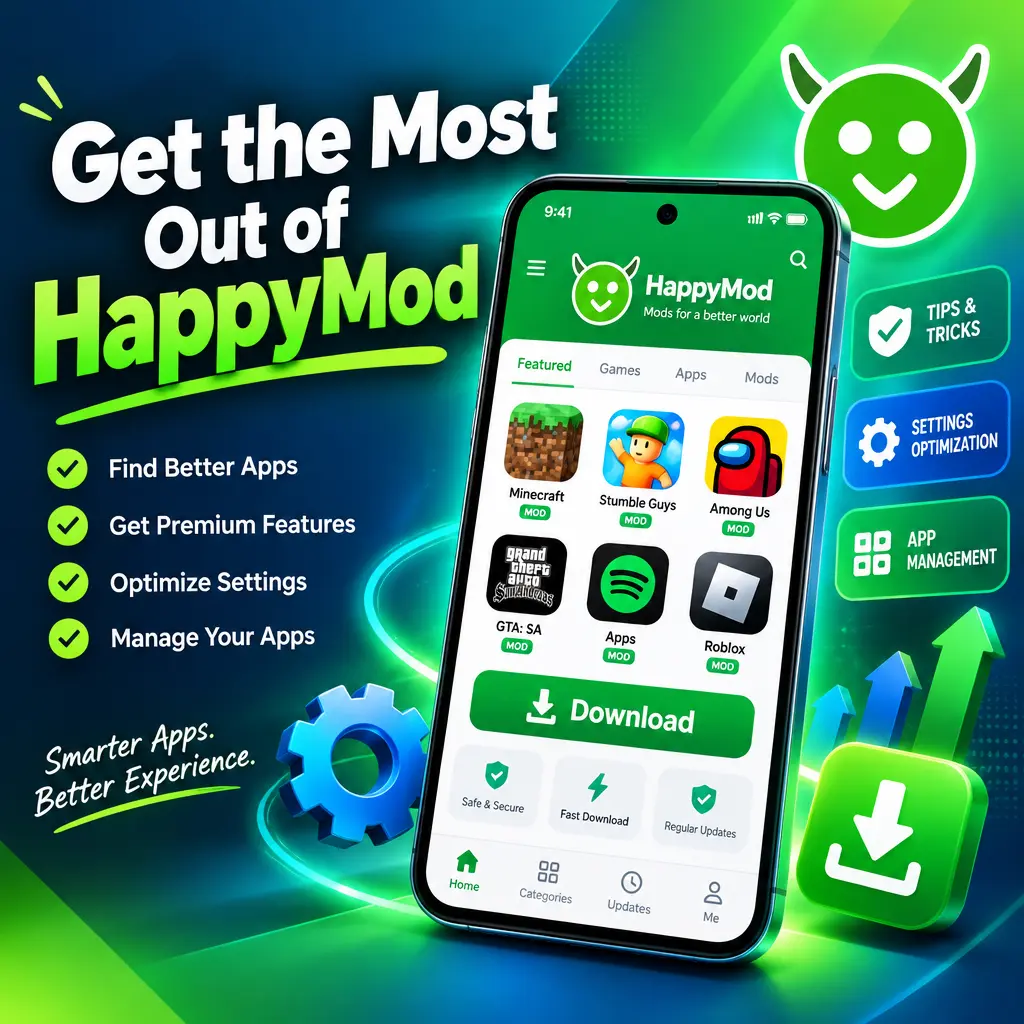
HappyMod can be a fun place to discover modified Android apps and games with extra features, unlocked settings, and custom options. But to get the most out of it, you need more than just downloading the first mod you see. The best experience comes from choosing safe files, reading details carefully, managing updates, and using mods in a smart way. Whether you want extra game items, ad-free tools, or more control over an app, these tips will help you use HappyMod with more confidence.
Start by Understanding What HappyMod Offers
HappyMod is not a regular app store. It focuses on modified versions of Android apps and games. These mods may include unlocked premium features, unlimited in-game resources, removed ads, custom menus, or changes made by other users. Because of this, each app page can have several versions with different features.
Before downloading anything, take a moment to understand what the mod actually changes. Some versions may only remove ads, while others may unlock paid items or change game mechanics. Choosing the right version saves time and helps you avoid apps that do not match what you need.
- Read the mod description carefully before downloading.
- Check which features are unlocked or changed.
- Look for notes about root requirements, offline mode, or login issues.
- Pick the latest stable version when possible.
Check Ratings, Comments, and User Feedback
One of the easiest ways to avoid problems is to read user feedback. HappyMod often includes comments, ratings, and reports from people who have already tried the file. This can tell you if the mod works, if it crashes, or if certain features are broken.
Do not rely only on the download count. A popular mod is not always the best option. Read a few recent comments because older comments may refer to outdated versions. If many users say the app does not open or the mod features do not work, it is better to try another version.
- Open the app page and scroll through recent comments.
- Look for feedback about crashes, bugs, and login problems.
- Check whether users confirm that the mod features work.
- Avoid versions with repeated warnings or poor ratings.
Use a Safe Download Routine
Since modified apps come from outside the official Google Play Store, safety should always come first. A good habit is to download only from trusted sources and avoid random links shared in comments or on unknown websites. Also, keep your Android security settings under control.
It is smart to scan files before installing them. Many Android security apps can check APK files for threats. You can also use online scanning tools if you want another layer of protection. No method is perfect, but using basic safety steps greatly lowers your risk.
- Download only from the official HappyMod app or website.
- Avoid mirror links from unknown users.
- Keep Google Play Protect or another security scanner enabled.
- Do not give unnecessary permissions to any app.
- Delete APK files you no longer need after installation.
Pay Attention to App Permissions
Permissions matter a lot when using modified apps. If a simple puzzle game asks for access to your contacts, microphone, or SMS messages, that is a red flag. Some apps need storage or network access to work properly, but many do not need sensitive permissions.
After installing a mod, go to your Android settings and review its permissions. Turn off anything that does not make sense. This is a simple trick that can improve privacy and reduce risk.
- Go to your phone settings.
- Open Apps or App Management.
- Select the installed HappyMod app or game.
- Tap Permissions.
- Disable anything that is not needed.
Back Up Your Data Before Installing Mods
Mods can behave differently from official versions. Sometimes they overwrite app data, fail to install, or cause saved progress to disappear. If you care about your progress, settings, or files, back them up before installing a modified version.
This is especially important for games with local saves. If the game does not use cloud saving, uninstalling or replacing the app might remove your progress. Use built-in cloud backup when available, or export your data if the app supports it.
- Connect games to a supported cloud save option if available.
- Save screenshots of important settings or account details.
- Back up local files before replacing an app.
- Do not install mods over important apps without a backup.
Try Different Versions if One Does Not Work
One of the useful things about HappyMod is that many apps have multiple mod versions. If one version crashes or does not include the feature you want, another version may work better. Older versions can sometimes be more stable than the newest release.
If a mod does not open, first check whether your Android version is supported. Some mods are made for specific app versions or Android builds. Clearing cache, reinstalling, or choosing another version can often fix simple problems.
- Uninstall the broken version.
- Restart your phone.
- Download a different mod version from the same app page.
- Install it and test the main features.
- Keep the version that works best on your device.
Use Mods Responsibly
HappyMod can make apps and games more enjoyable, but it is important to use mods responsibly. Some modifications may break an app’s terms of service, especially in online games. Using unfair advantages in multiplayer games can lead to bans and can ruin the experience for others.
A safer approach is to use mods for offline games, personal customization, testing, or apps where the developer allows modification. Avoid using mods to bypass payments for services you value. Supporting developers helps them keep creating updates, bug fixes, and new content.
- Be careful with mods in online games.
- Avoid using cheats against real players.
- Support apps and games you enjoy when you can.
- Use mods mainly for personal, offline, or experimental use.
Keep Your Device Organized
After using HappyMod for a while, your phone can fill up with APK files, old versions, and apps you no longer use. This can slow your device and waste storage. Make it a habit to clean up regularly.
Remove older mod versions that you do not need. Delete APK installers after the app is installed. If you test a lot of apps, create a routine to review and uninstall anything you have not used recently.
- Open your file manager.
- Check your Downloads folder.
- Delete old APK files.
- Uninstall unused apps and games.
- Clear cache when storage gets low.
Update Carefully, Not Automatically
Updates can fix bugs, but they can also remove modded features or create new problems. Before updating a modified app, check what changed in the new version. If your current version works well, you may not need to update right away.
When you do update, read comments first. If many users report crashes in the latest version, wait for a better release. This simple habit can save you from losing a stable setup.
- Do not rush to install every new version.
- Read update notes and user comments first.
- Keep a copy of the working version if possible.
- Update only when the new version adds value or fixes a problem.
Make the Most of Search and Categories
HappyMod has many apps, so good searching can help you find better options faster. Instead of searching only by app name, try keywords like “unlimited coins,” “ad free,” “premium unlocked,” or “offline.” Categories are also useful when you want to discover new games or tools.
Take time to compare similar apps. Sometimes a different app with a stable mod gives you a better experience than the one you first searched for.
- Use specific keywords when searching.
- Browse categories to find new apps and games.
- Compare several mod versions before installing.
- Save or remember the versions that work best for you.
Getting the most out of HappyMod is all about being careful, curious, and organized. Read descriptions, check feedback, scan files, manage permissions, and back up your data before making changes. With the right habits, you can enjoy more features and custom options while keeping your Android device safer and cleaner.
Recommended For You